PushArmor

About PushArmor

PushArmor sends URLs and text between your own devices. Every message is end-to-end encrypted, so only your devices can read it.

Screenshots

Android
Android Pair your first device screen with Galaxy S23 waiting to pair.
Waiting for a device to pair
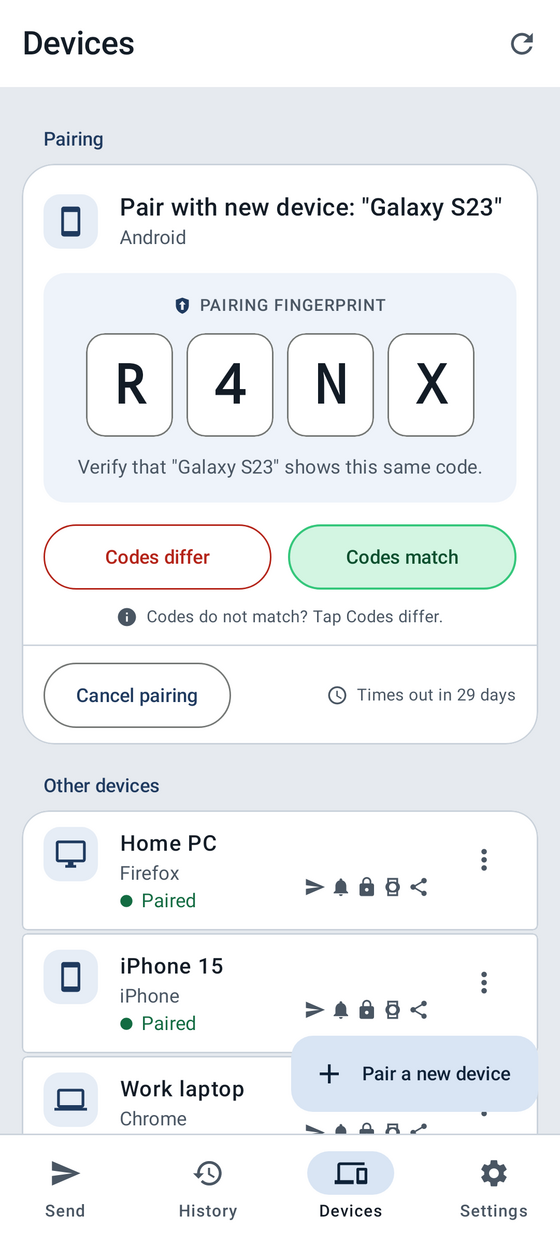
Android pairing request for Galaxy S23 showing the pairing fingerprint R4NX, with Reject and Confirmed buttons.
Check the pairing fingerprint
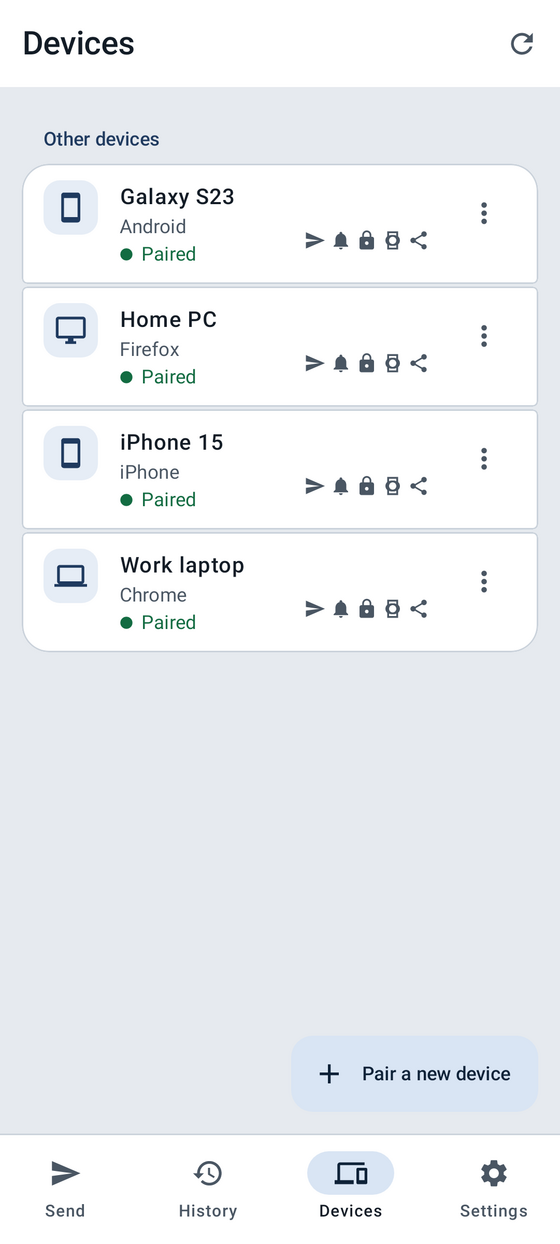
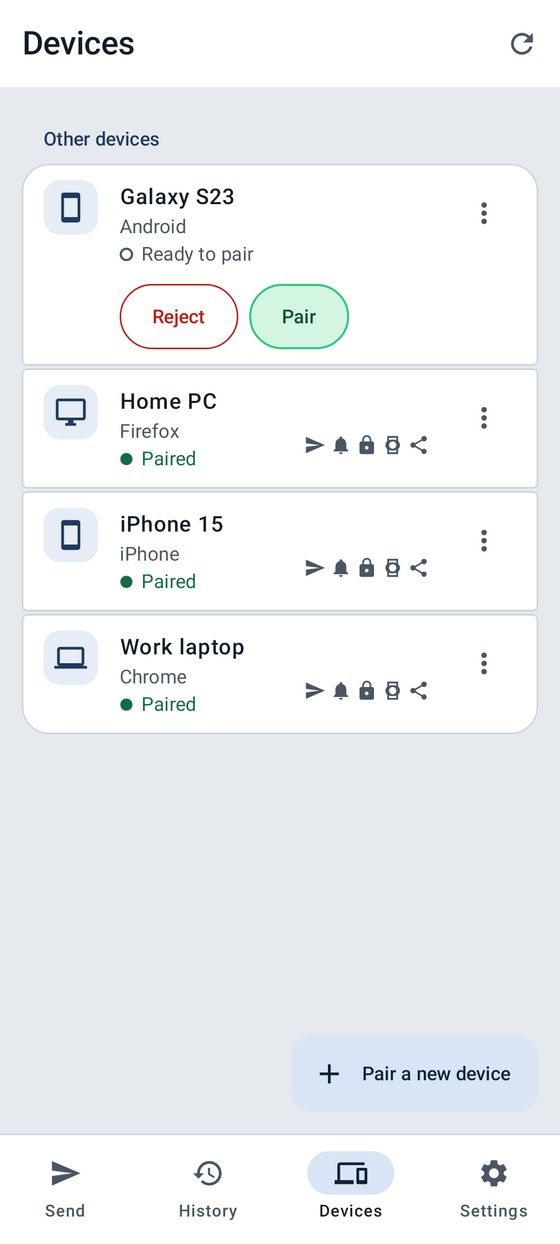
Android devices screen listing paired phones and computers, including the newly paired Galaxy S23.
See your devices
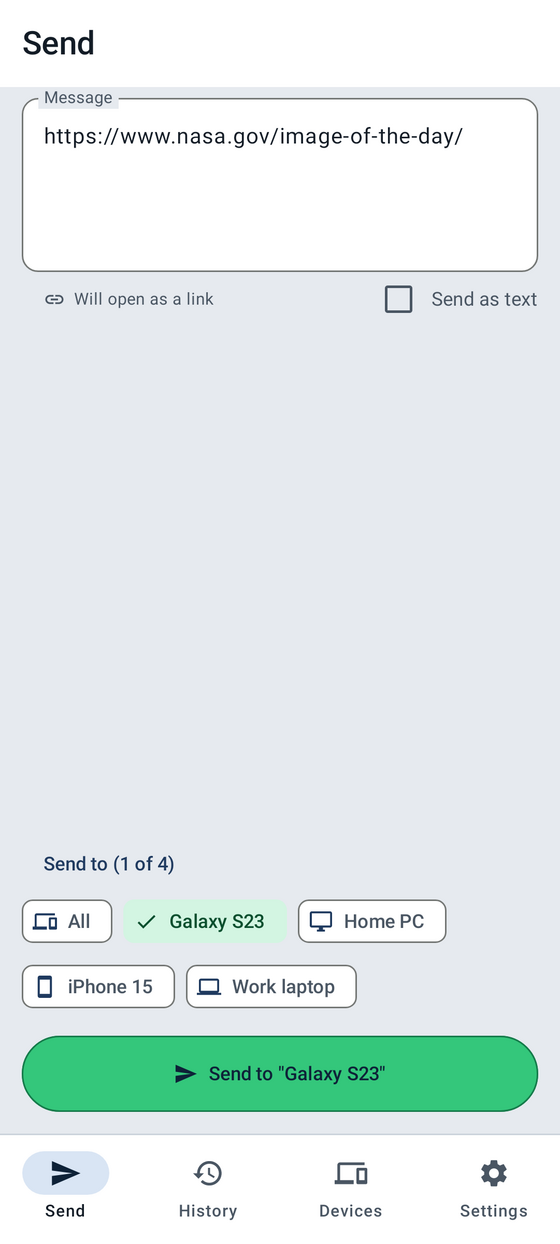
Android send screen with a URL typed in and one device selected.
Send to your devices
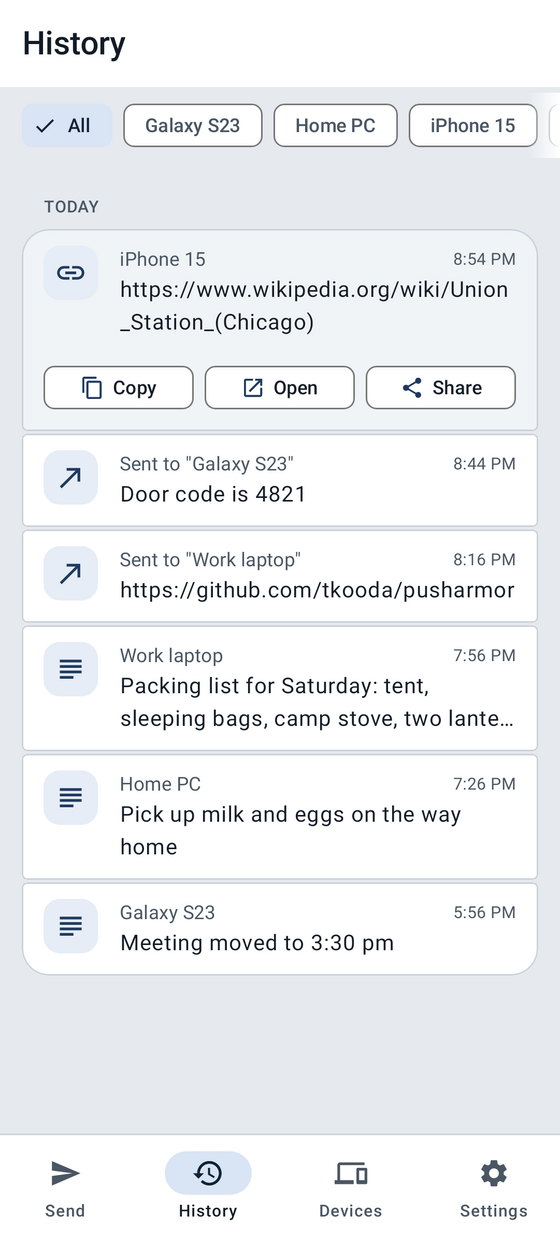
Android history with a URL opened, showing Copy, Open, and Share.
Open a URL
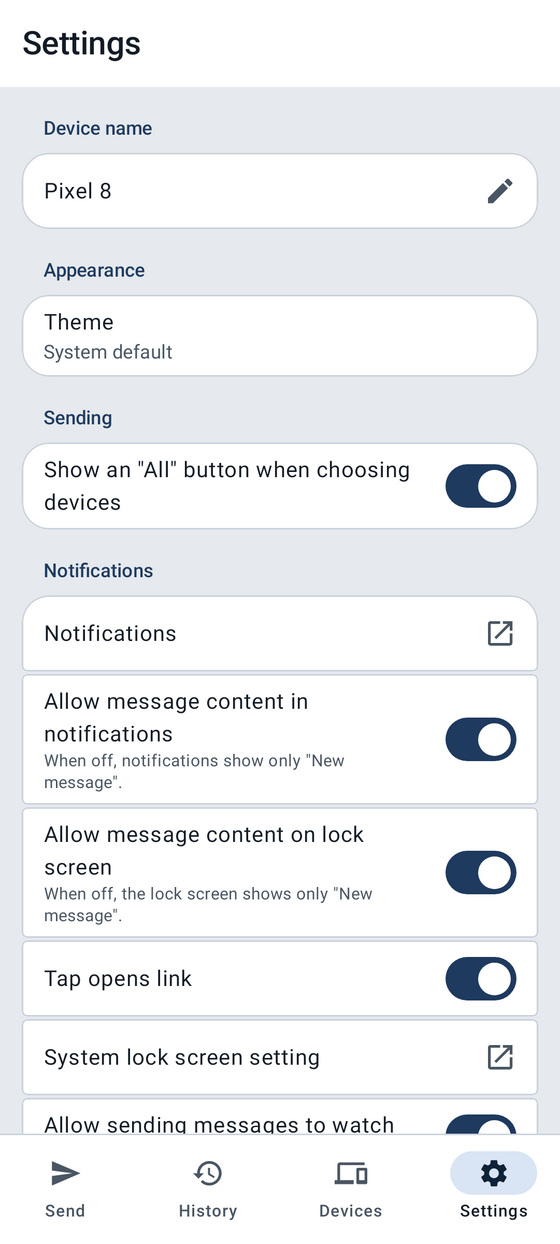
Android settings screen.
Change your settings

iPhone

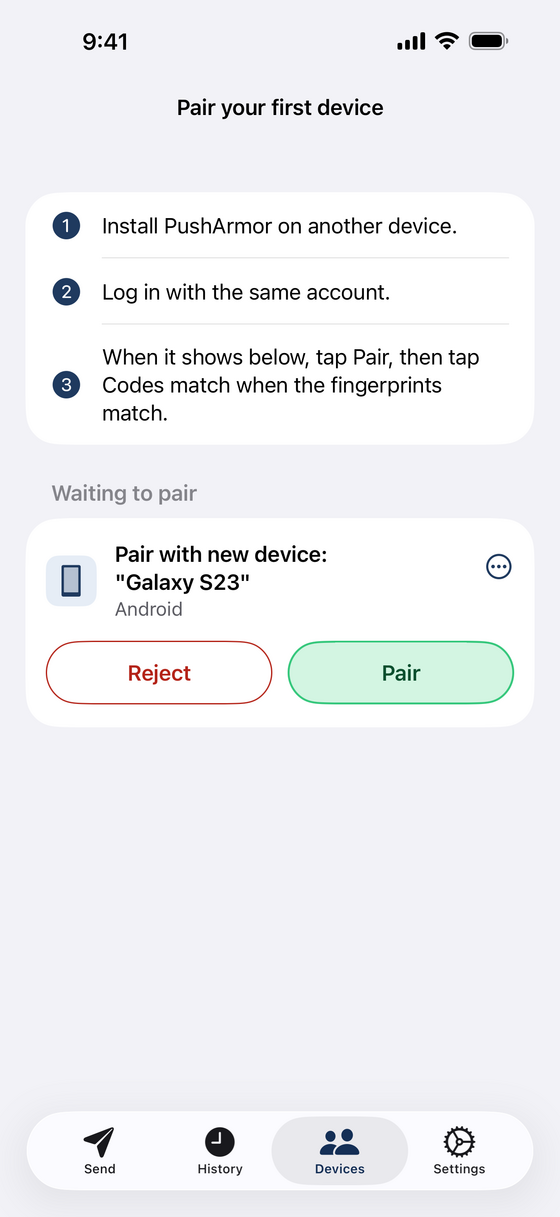
IPhone Pair your first device screen with Galaxy S23 waiting to pair.
Waiting for a device to pair
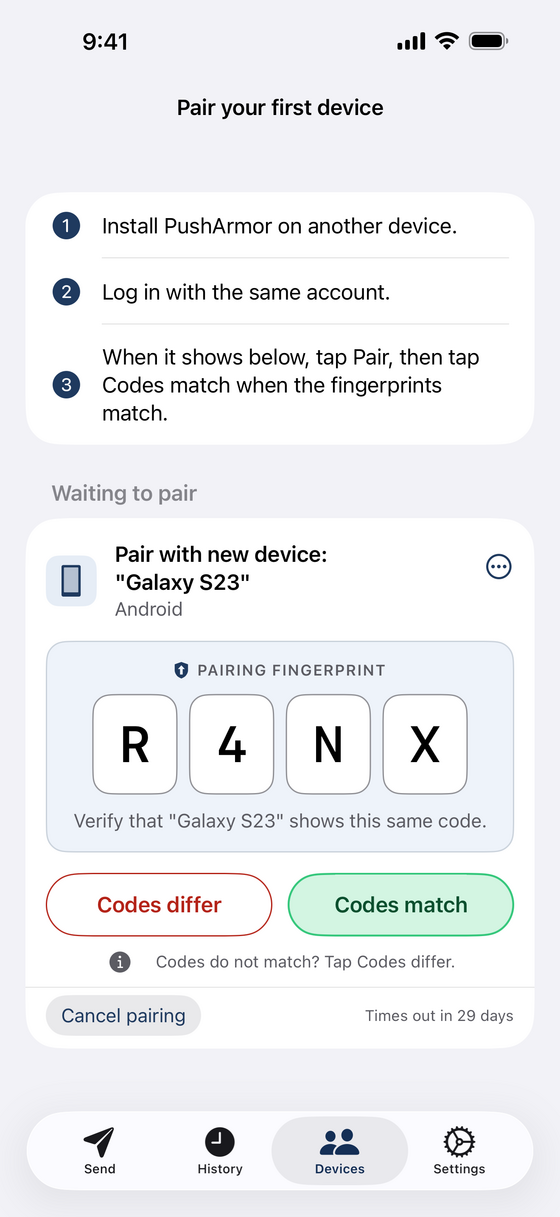
IPhone pairing request for Galaxy S23 showing the pairing fingerprint R4NX, with Reject and Confirmed buttons.
Check the pairing fingerprint
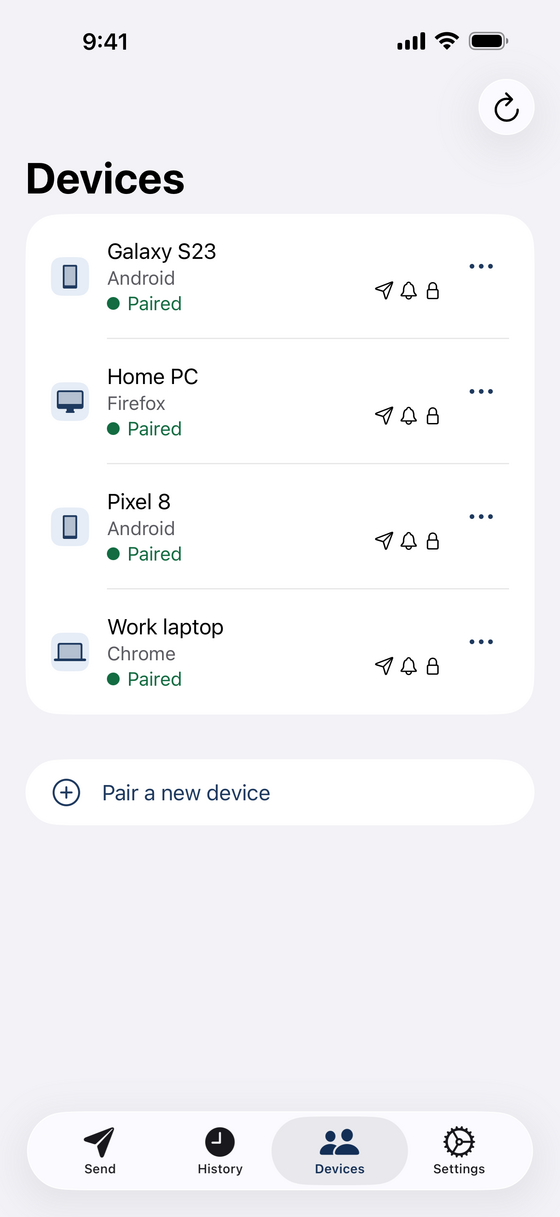
IPhone devices screen listing paired phones and computers, including the newly paired Galaxy S23.
See your devices
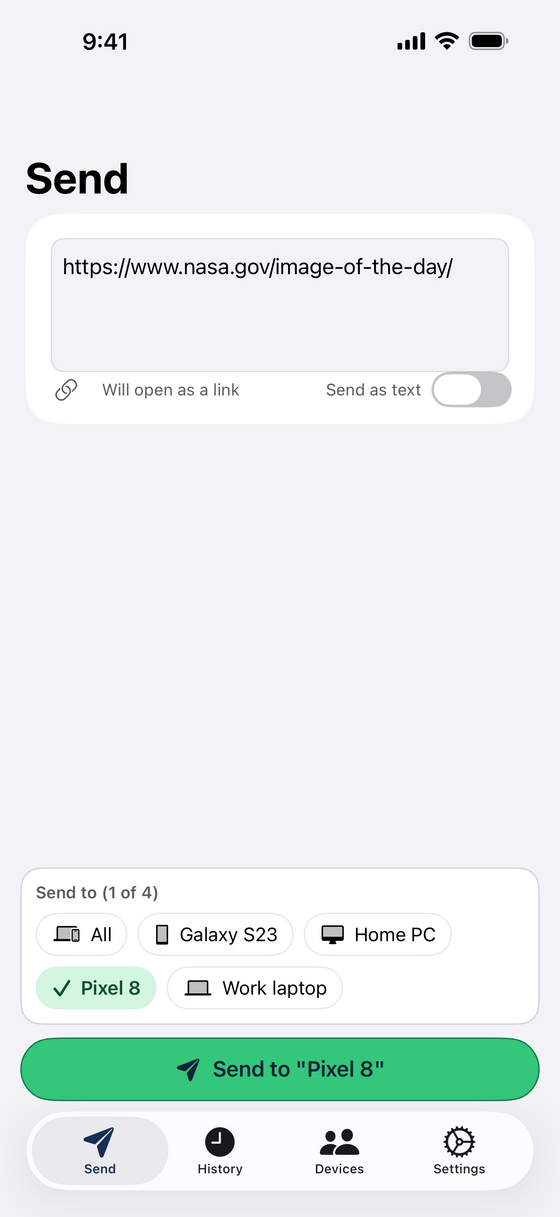
IPhone send screen with a URL typed in and one device selected.
Send to your devices
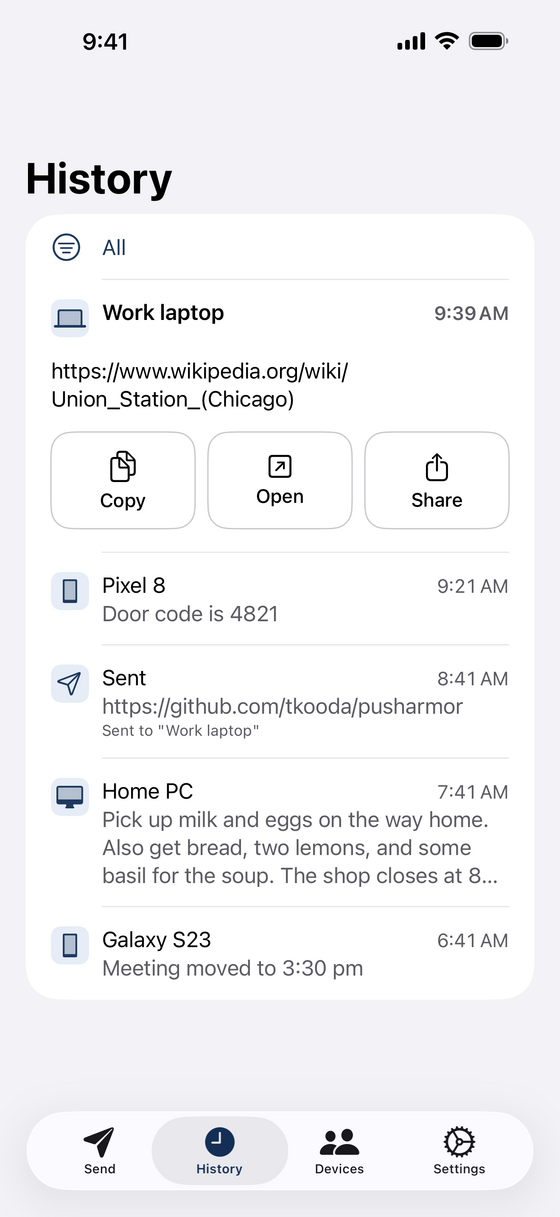
IPhone history with a URL opened, showing Copy, Open, and Share.
Open a URL
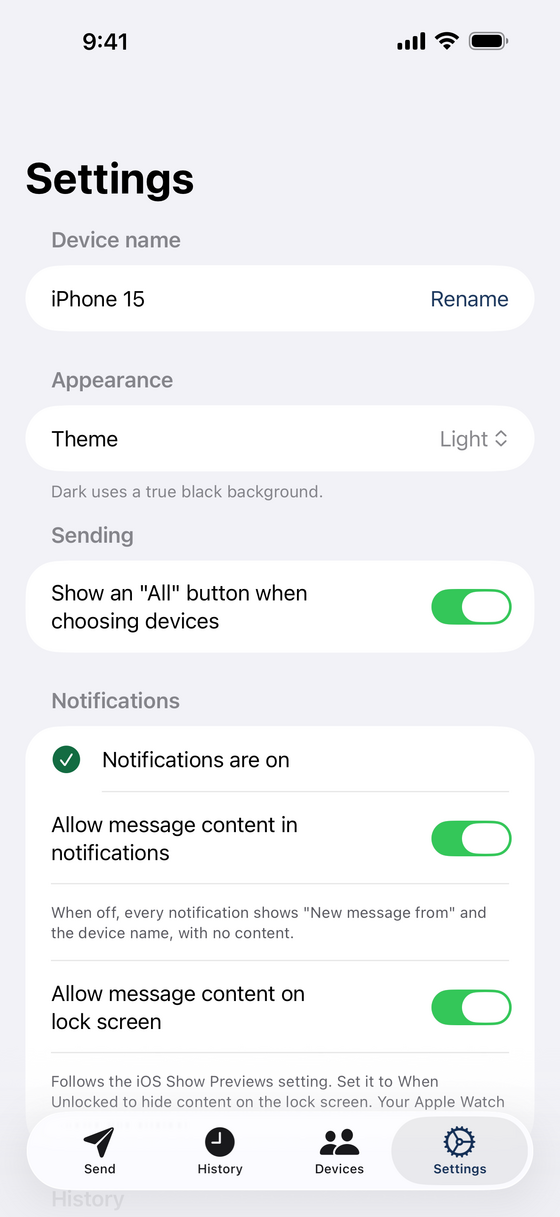
IPhone settings screen.
Change your settings

Chrome

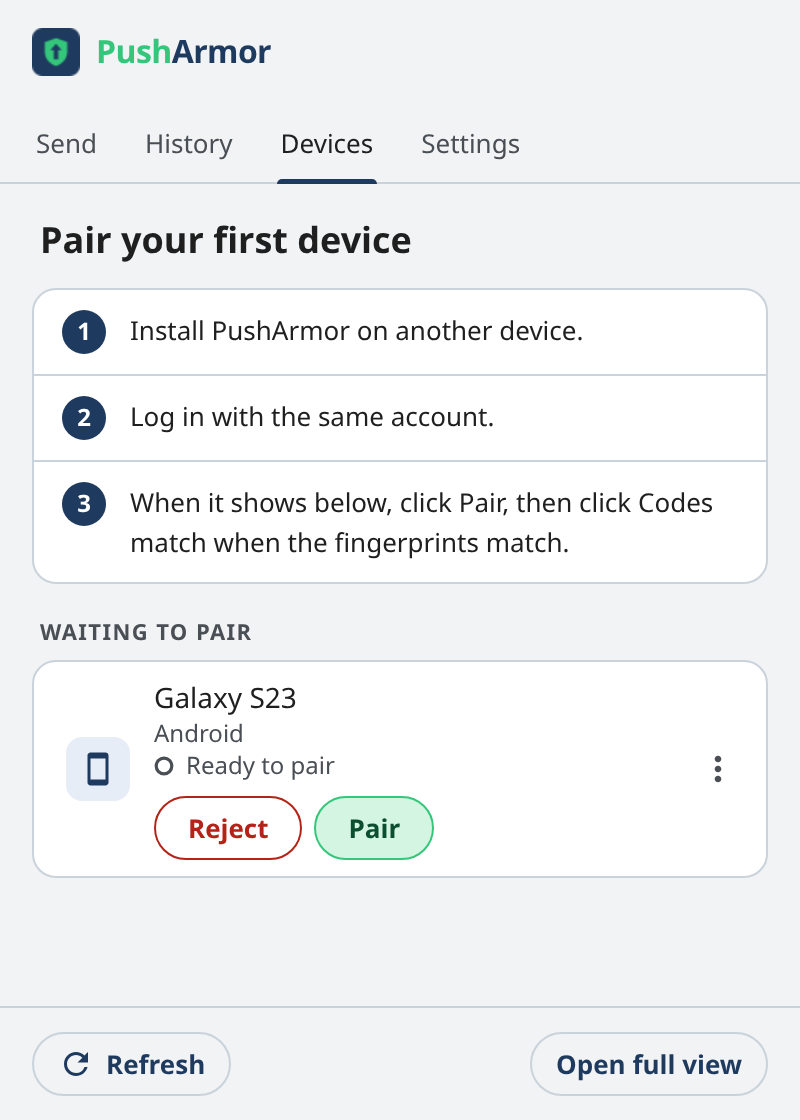
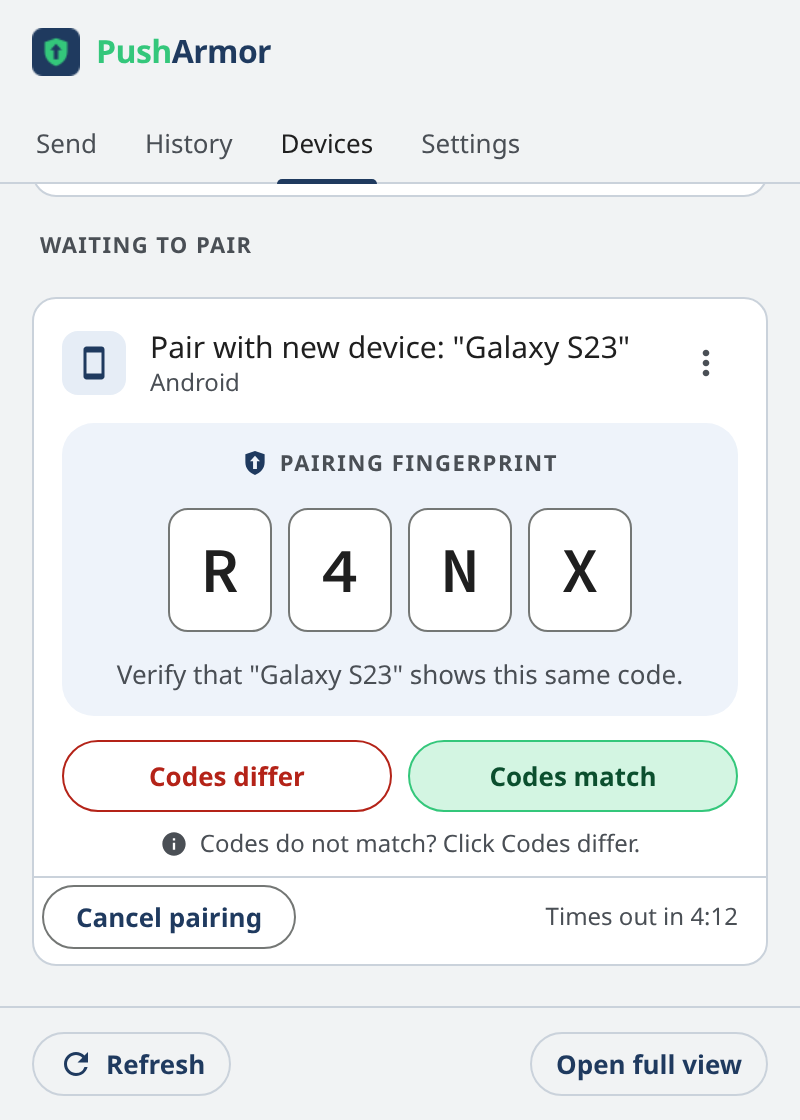
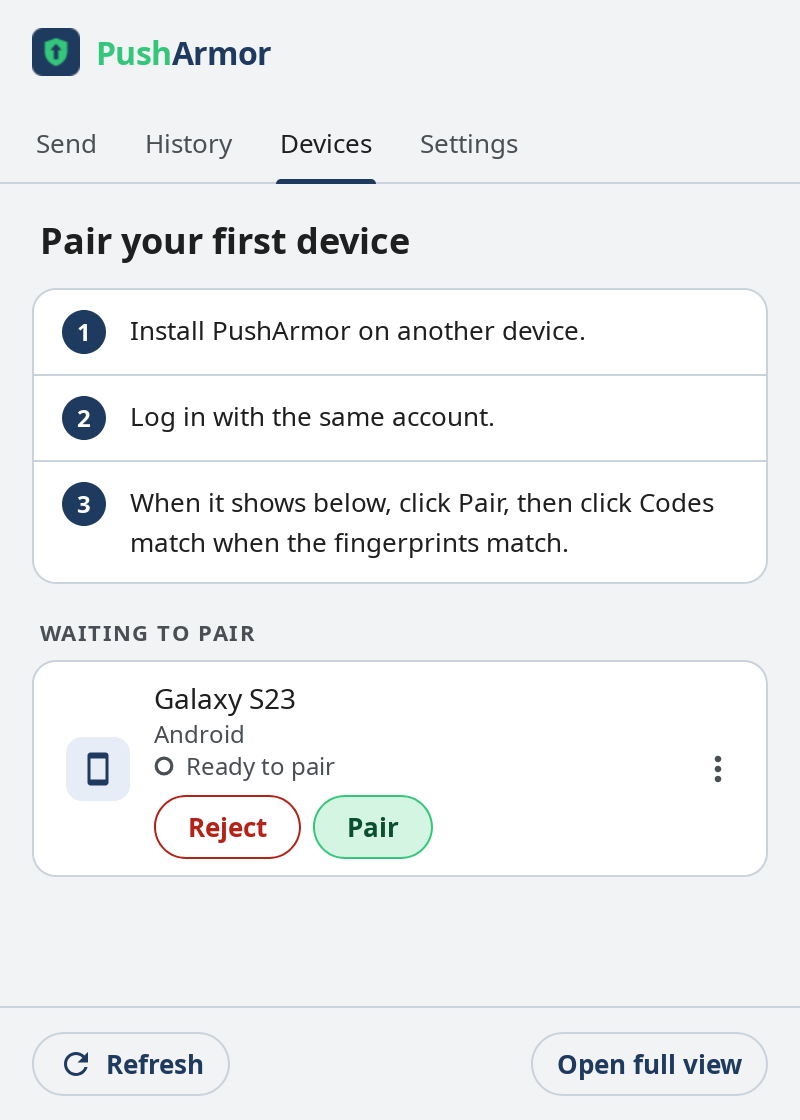
PushArmor in Chrome: Pair your first device screen with Galaxy S23 waiting to pair.
Waiting for a device to pair
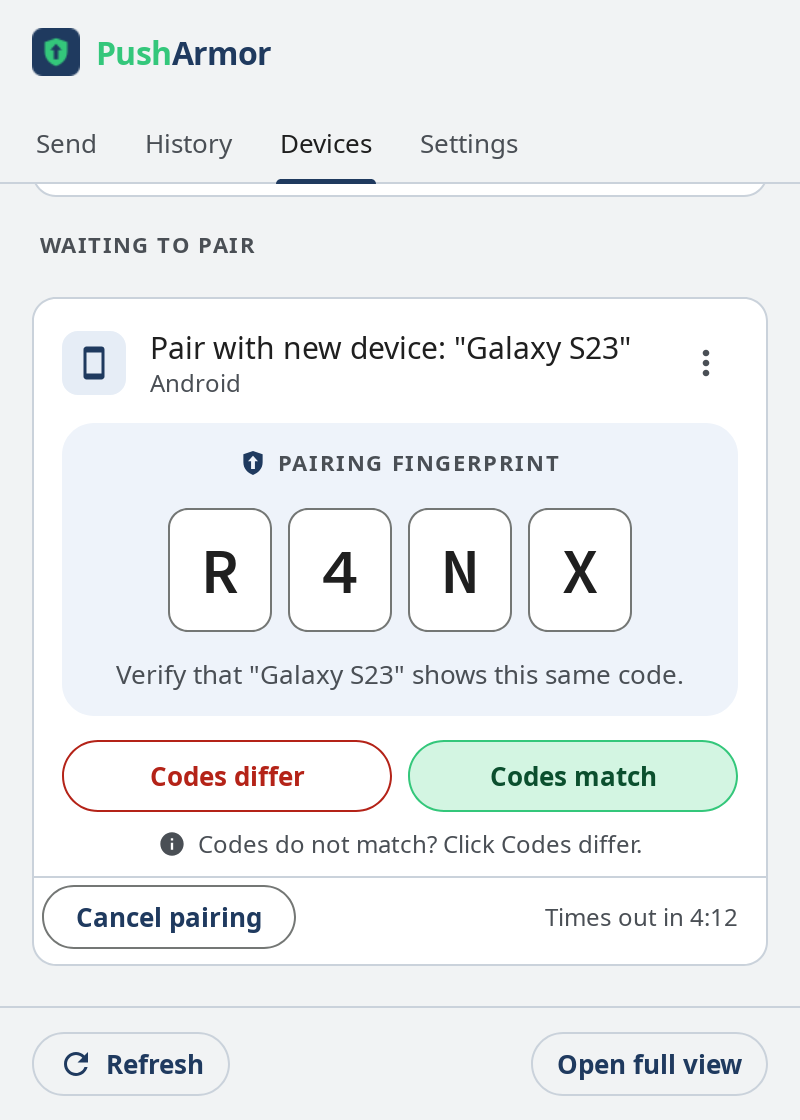
PushArmor in Chrome: pairing request for Galaxy S23 showing the pairing fingerprint R4NX, with Reject and Confirmed buttons.
Check the pairing fingerprint
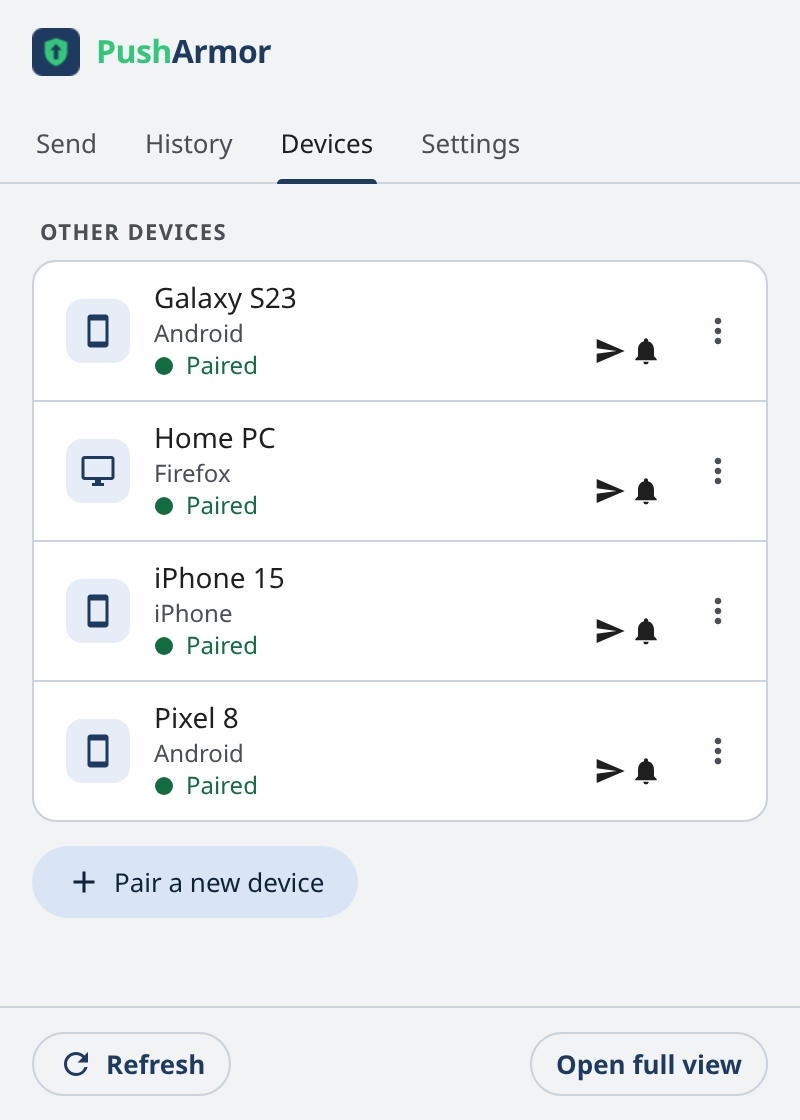
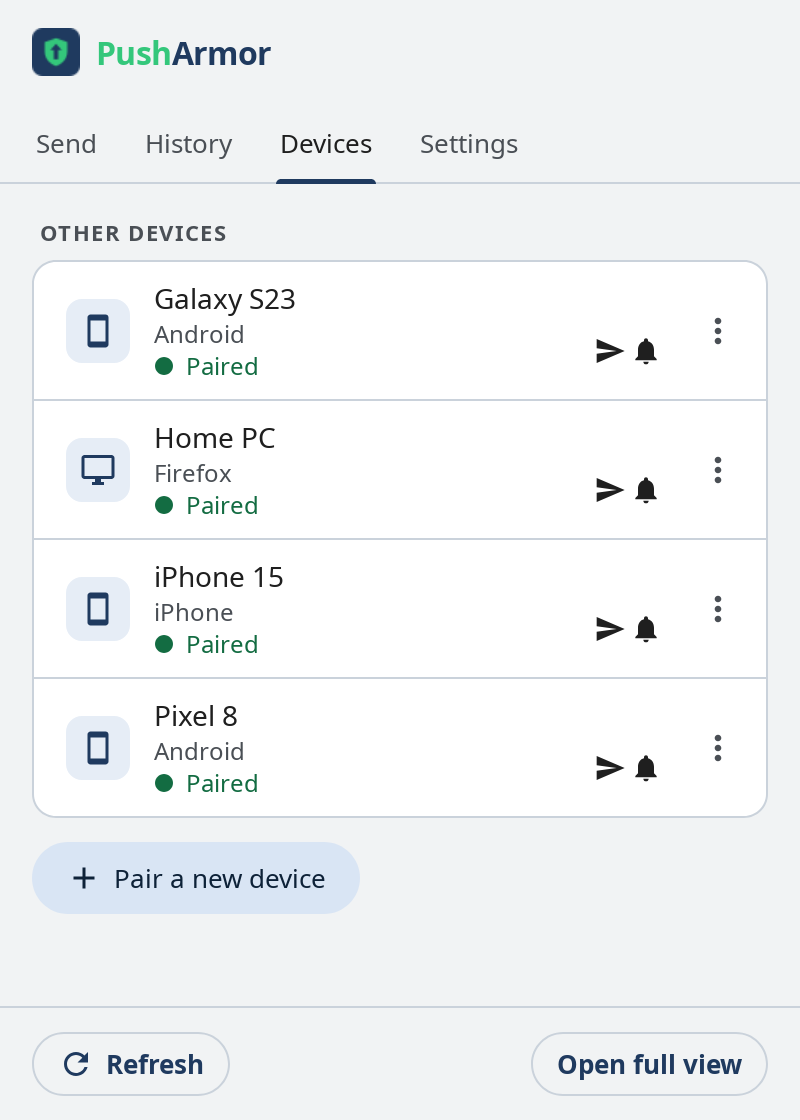
PushArmor in Chrome: devices screen listing paired phones and computers, including the newly paired Galaxy S23.
See your devices
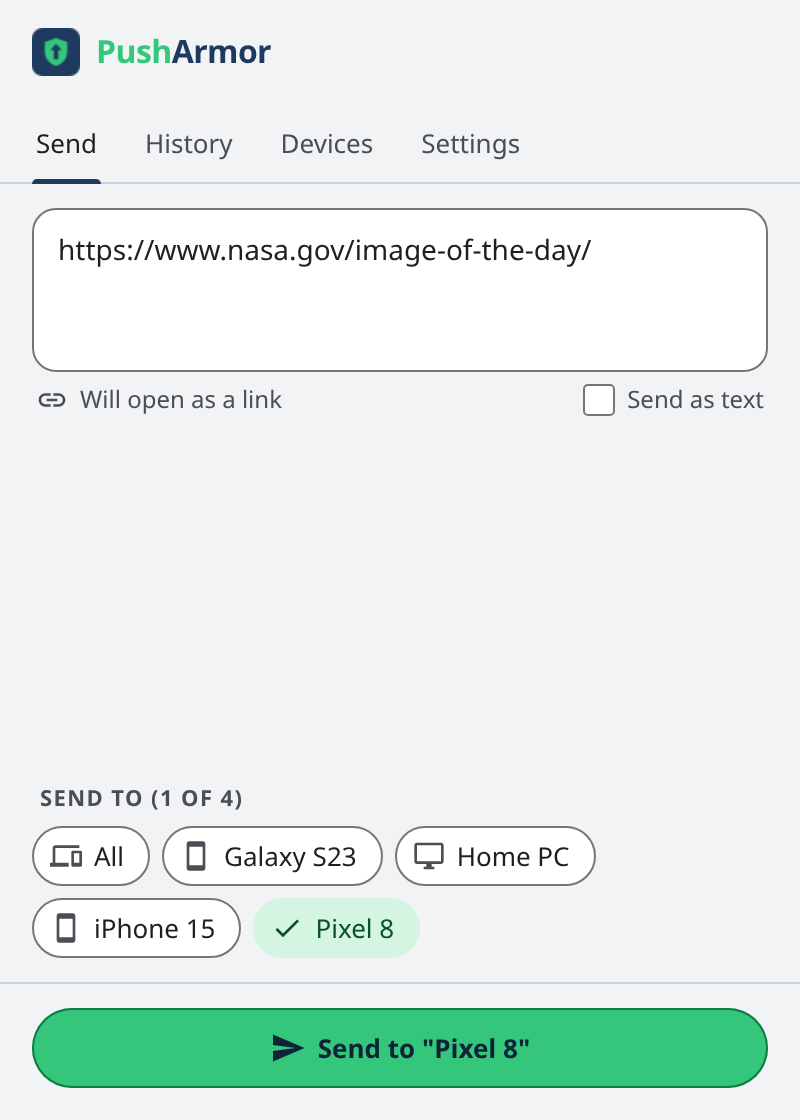
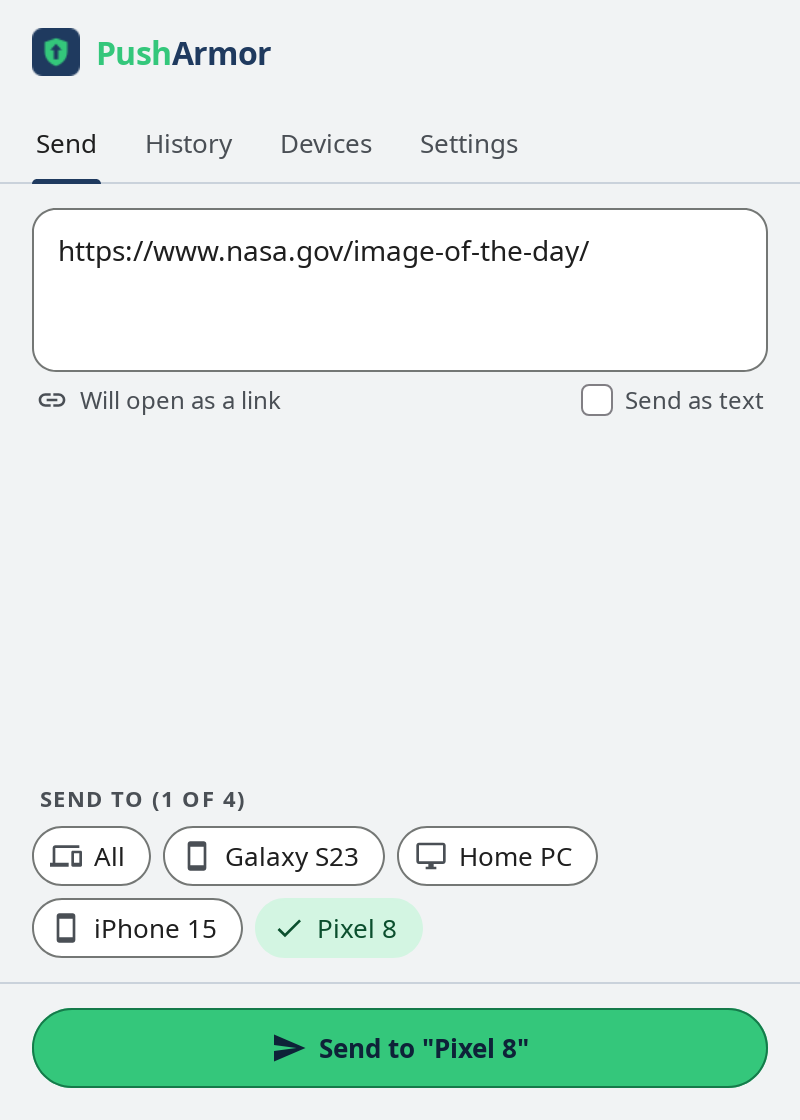
PushArmor in Chrome: send screen with a URL typed in and one device selected.
Send to your devices
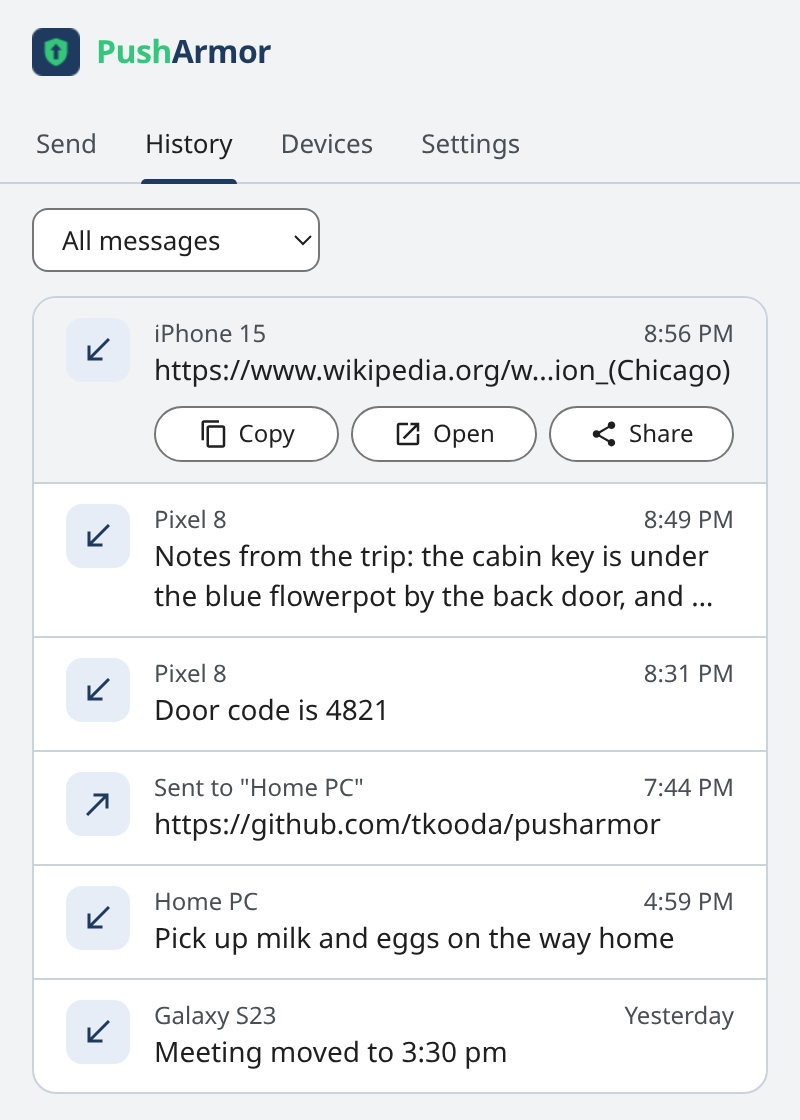
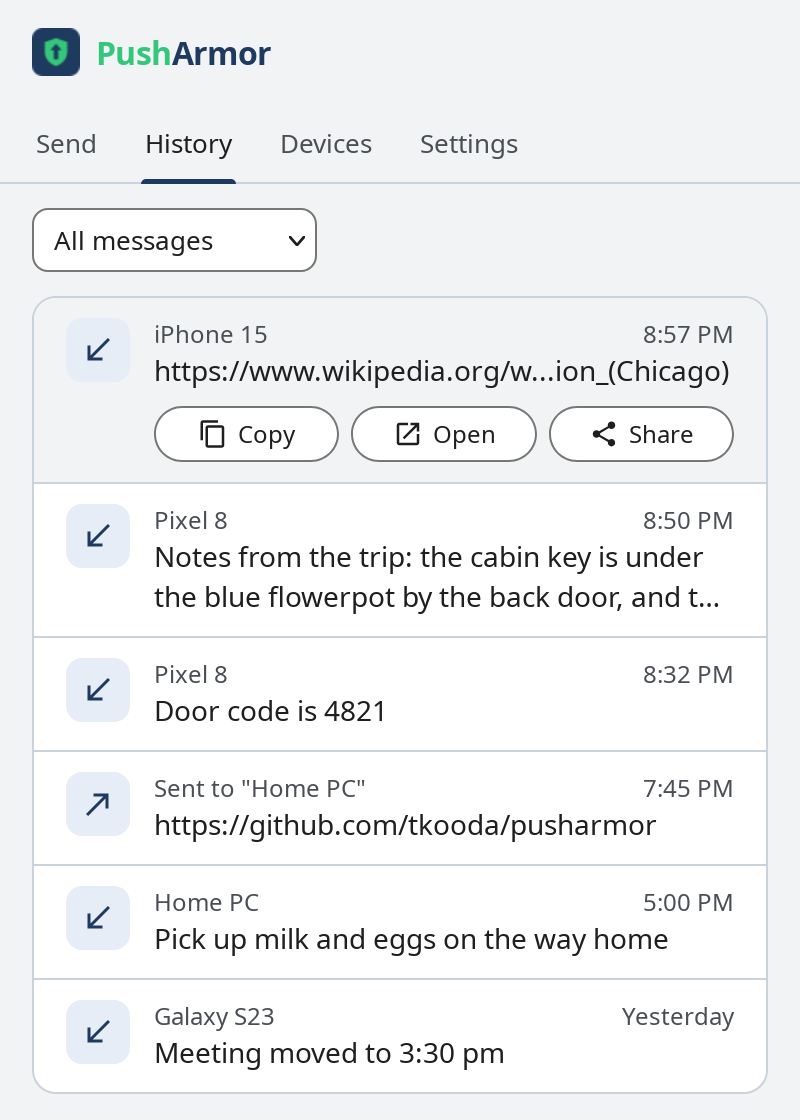
PushArmor in Chrome: history with a URL opened, showing Copy, Open, and Share.
Open a URL
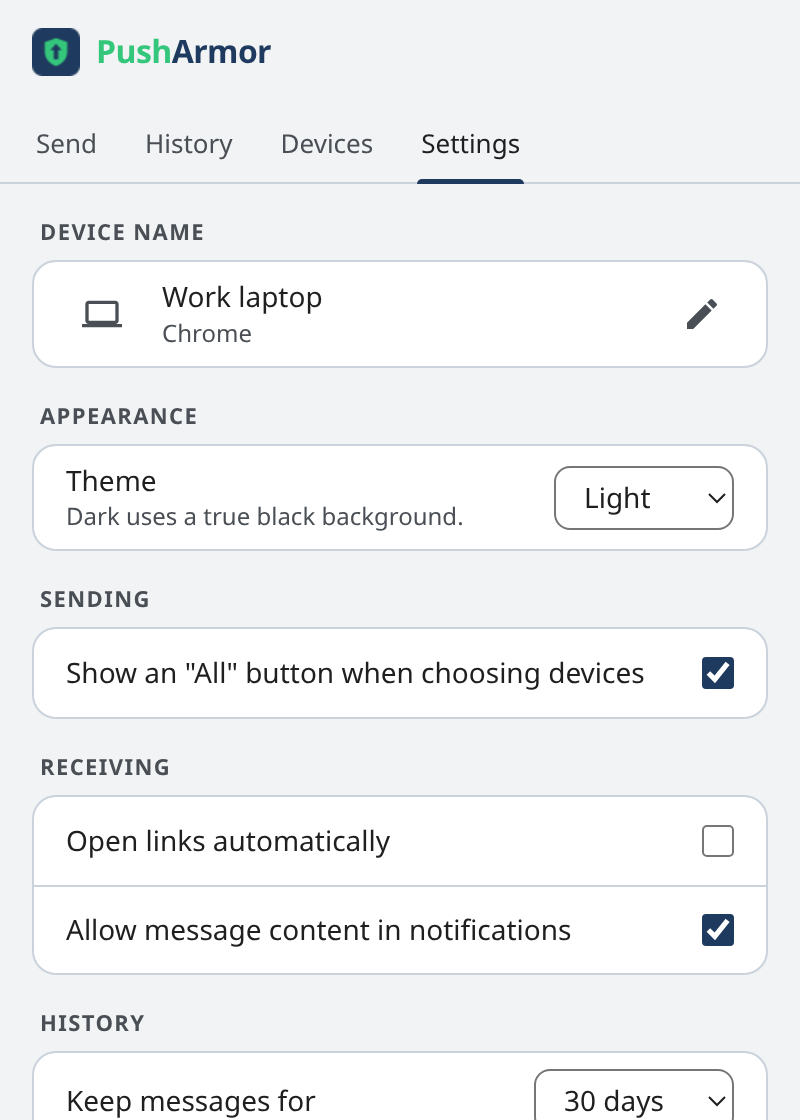
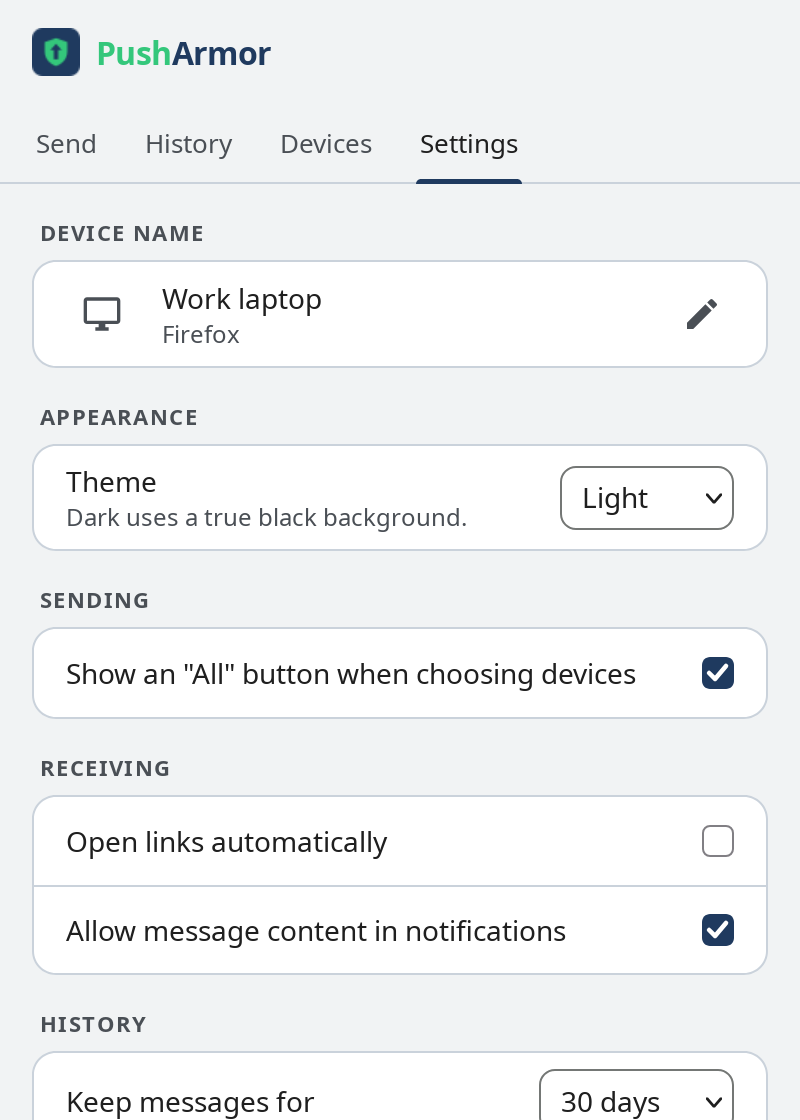
PushArmor in Chrome: settings screen.
Change your settings

Firefox

PushArmor in Firefox: Pair your first device screen with Galaxy S23 waiting to pair.
Waiting for a device to pair
PushArmor in Firefox: pairing request for Galaxy S23 showing the pairing fingerprint R4NX, with Reject and Confirmed buttons.
Check the pairing fingerprint
PushArmor in Firefox: devices screen listing paired phones and computers, including the newly paired Galaxy S23.
See your devices
PushArmor in Firefox: send screen with a URL typed in and one device selected.
Send to your devices
PushArmor in Firefox: history with a URL opened, showing Copy, Open, and Share.
Open a URL
PushArmor in Firefox: settings screen.
Change your settings

The project